HR and training teams adopted Synthesia thinking it would finally speed up video creation. And it did; to a point. You can generate avatar-led explainers quickly. But when you’re dealing with onboarding, policy rollouts, SOP updates, and compliance training, the real bottleneck isn’t “recording” videos: it’s building interactive learning experiences people actually finish.
This is where Synthesia falls short.
HR teams today need more than talking-head videos. They need interactive training video generators that turn documents into personalized learning paths, track completions, capture quiz scores, and offer analytics deep enough to satisfy HR, IT, and compliance teams.
And that’s why the search for Synthesia alternatives has exploded.
This guide breaks down the best tools for HR, L&D, and People Ops, the ones built not for marketing content but for onboarding journeys, compliance-ready training videos, hybrid workforce enablement, and document-to-video automation.
By the end, you’ll know exactly which tool replaces Synthesia for your workflow, what gaps each tool solves, and which platform is designed specifically for HR teams that need fast updates, secure delivery, and more accountability in training.
Let’s get into the real comparison, no distractions.
Why HR & Training Teams Are Moving Beyond Synthesia
Most HR departments adopted Synthesia for one reason: speed. It cuts out recording time, eliminates reshoots, and makes it easy to generate avatar-led explainers. But HR and L&D teams quickly hit a wall, because speed alone doesn’t solve the core challenges of employee training, onboarding consistency, or policy adoption.
Today’s workforce expects learning to be interactive, personalized, and easy to retain. HR leaders expect data, not assumptions. And compliance teams expect tracking, not blind spots.
This shift is why companies are actively looking for top Synthesia alternatives built specifically for HR operations and internal training.
Modern HR workflows now demand capabilities Synthesia isn’t designed for:
- Interactive learning modules instead of passive videos
- Embedded quizzes to check comprehension
- AI chat assistants that answer questions instantly inside the video
- Document-to-video conversion for faster updates
- Compliance-ready analytics including completions, time spent, and quiz scoring
- Personalized learner paths for different roles or departments
- Secure delivery for policy rollouts and sensitive updates
When you’re running onboarding across remote teams, rolling out policy changes, or managing compliance cycles, traditional avatar videos aren’t enough. You need actionable data, not vanity metrics.
This is why HR professionals are moving toward platforms that can turn their static content: PDFs, SOPs, handbooks, safety guidelines, into AI-powered training experiences with measurable outcomes.
To understand the gap fully, let’s break down the specific limitations that make Synthesia insufficient for today’s HR and training expectations.
Synthesia Limitations HR Teams Must Know
Synthesia works well for scripted avatar videos, but HR and L&D teams quickly run into constraints once they try using it for onboarding, policy rollouts, compliance, or continuous training. These gaps aren’t minor, they directly impact completions, comprehension, and accountability.
Here are the limitations that matter for HR:
1. No document-to-video automation
Most HR content starts as PDFs, SOPs, handbooks, or policies. Synthesia can’t auto-convert these into training modules. Everything has to be manually scripted and assembled.
2. No interactive learning inside the video
There’s no native support for quizzes, checkpoints, branching logic, or role-based paths. HR teams end up creating passive videos that don’t measure whether employees actually understood anything.
3. No AI chat assistant for employee questions
When new hires get confused or stuck, there’s no way to get answers within the learning experience. For HR, this means higher ticket volume and more hand-holding.
4. Weak compliance tracking
Synthesia shows views, not true training metrics. It lacks:
- quiz scores
- individual learner insights
- completion certificates
- compliance audit trails
- time-spent analytics
For regulated teams, this is a deal-breaker.
5. Updating videos is still manual
If a policy changes, HR has to rewrite the script, regenerate the avatar, and export a new file. This is too slow for fast-moving internal operations.
6. Not designed for onboarding automation
There are no learning paths, no secure delivery options, no personalized modules, and no built-in analytics to see where new hires get stuck.
7. Not built for remote/hybrid teams
Distributed teams need:
- secure delivery links
- multi-device access
- data on engagement drop-offs
Synthesia isn’t optimized for this.
8. Limited relevance for HR workflows
Synthesia’s core strength is avatar videos, not:
- policy training
- compliance updates
- SOP walkthroughs
- internal communication intelligence
For HR teams evaluating alternatives based on these gaps, here are useful resources:
These limitations are the reason HR teams are switching from traditional avatar tools to platforms built for interactive learning, policy accuracy, and accountability.
The 12 Best Synthesia Alternatives for HR & Training Teams
HR and L&D teams aren’t just replacing video creators, they’re replacing outdated training systems. These tools solve real HR challenges: onboarding consistency, compliance accountability, policy updates, and employee engagement.
Below is the definitive list, written for clarity, depth, and skimmability.
1. Docustream: Best Overall Synthesia Alternative for HR & L&D
What it does:
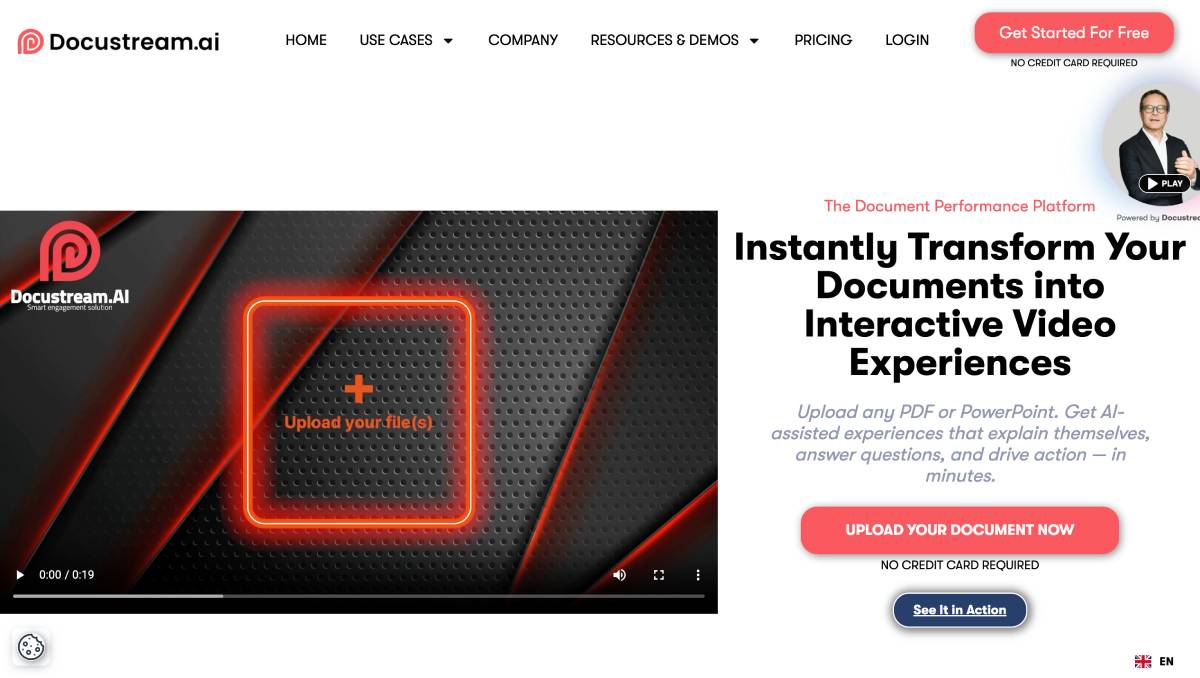
Docustream converts HR PDFs, SOPs, policies, and handbooks into interactive training videos in seconds. It creates full modules with narration, quizzes, summaries, and an in-video AI chat assistant.
Why HR uses it:
It eliminates the pain of employees skipping PDFs. HR teams upload a document and instantly get an AI-powered training experience employees can watch, interact with, and complete, without writing scripts or editing timelines.
Strengths:
- Instant document-to-video conversion
- Built-in quizzes for comprehension
- AI chat assistant for employee Q&A
- Compliance metrics: completions, scores, time spent
- Secure delivery and role-based access
- No-code updates for policy changes
Best for:
Onboarding, compliance, policy rollouts, manager training, remote enablement.
2. HeyGen: Best for Fast Avatar-Led HR Announcements

What it does:
HeyGen creates high-quality avatar videos quickly.
Why HR uses it:
HR teams use HeyGen for culture announcements, welcome videos, and leadership messages that need a friendly “face” but don’t require interactivity.
Strengths:
- Realistic avatars
- Fast production
- Good for multi-language communication
Limitations:
No quizzes, no analytics, no compliance workflows, no document automation.
Best for:
Simple HR communication, not structured onboarding or training.
3. Colossyan: Best for Scenario-Based Microlearning
What it does:
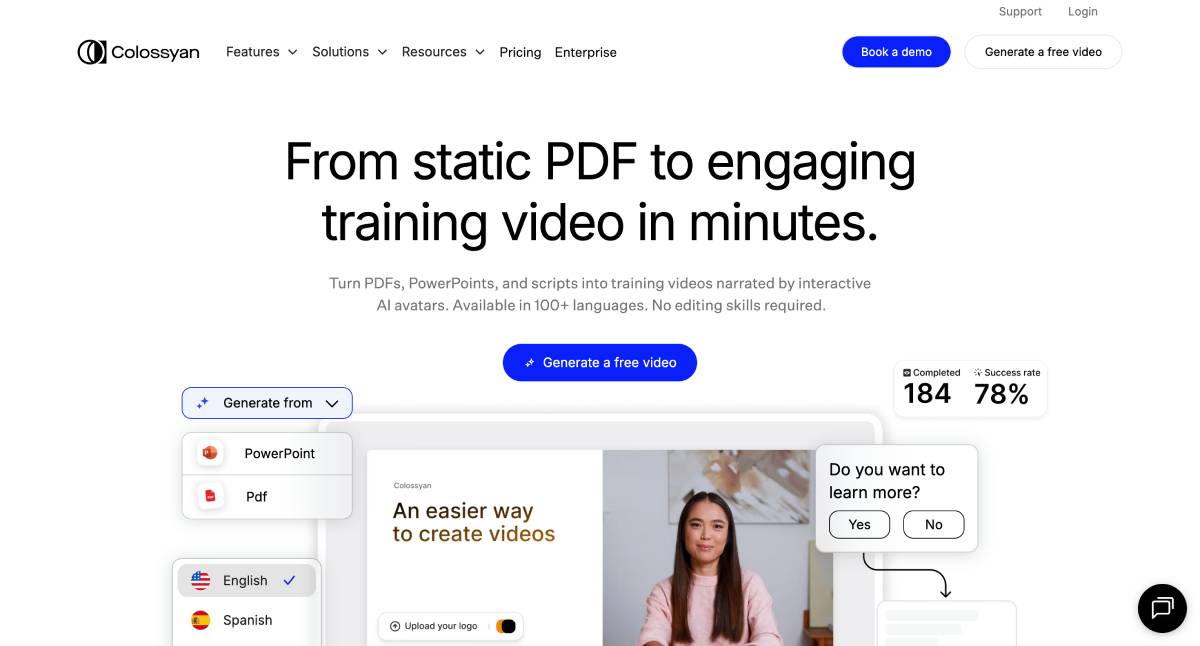
Colossyan builds role-based video scenarios with branching paths.
Why HR uses it:
It’s helpful for soft skills, workplace behavior training, and manager decision-making exercises. Teams use it to simulate “what would you do?” moments.
Strengths:
- Scenario branching
- Role-based scripts
- Good avatar options
Limitations:
No document-to-video conversion, no detailed analytics, no secure HR delivery.
Best for:
Microlearning and behavioral training, not compliance or policy modules.
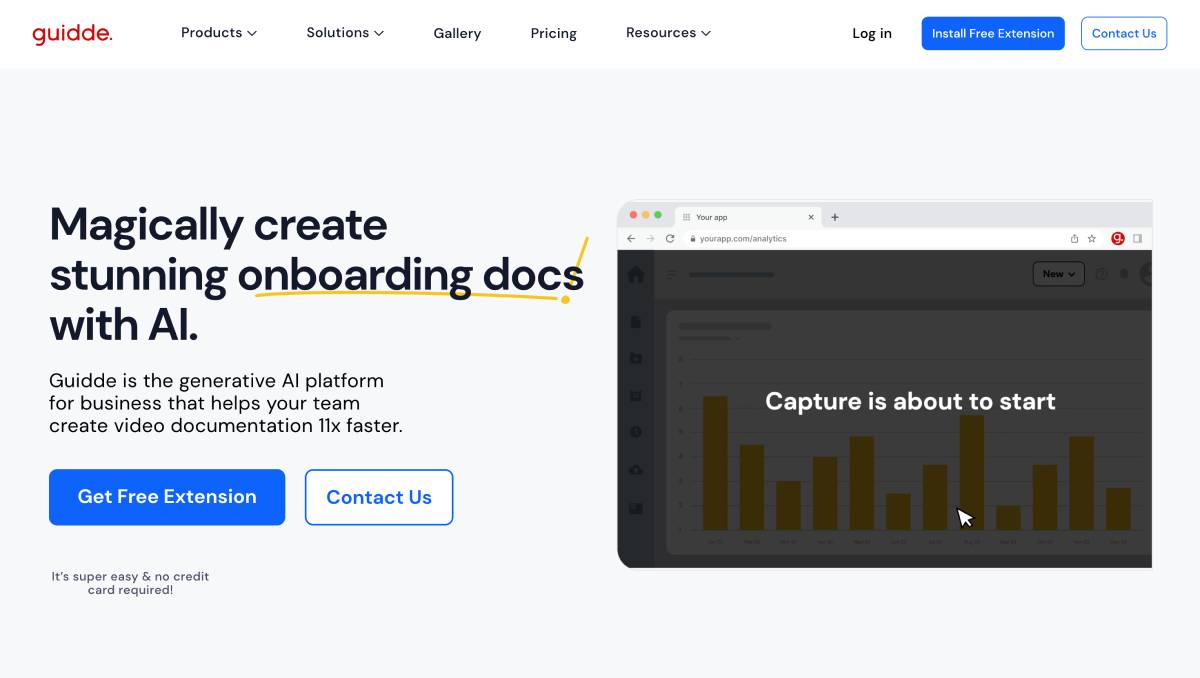
4. Guidde: Best for SOP & Tool Walkthrough Creation
What it does:
Guidde captures workflows directly from a browser and turns them into auto-documented step-by-step videos.
Why HR uses it:
It’s valuable during onboarding when employees must learn new tools. Guidde creates polished walkthroughs without scripting.
Strengths:
- Auto-captures processes
- Clean procedural videos
- Great for new-hire tool training
Limitations:
No quizzes, no analytics, no learning paths, no compliance coverage.
Best for:
Tool onboarding and SOPs, but not end-to-end training modules.
5. Loom: Best for Human-Led Messages & Culture Onboarding
What it does:
Loom records quick videos with a human face and screen share combined.
Why HR uses it:
Founders, CXOs, and managers use Loom to send personal messages to new hires, explain expectations, or deliver human-centered onboarding content.
Strengths:
- Fast and genuine
- Easy to record
- Great for async messaging
Limitations:
No interactivity, no structured sequences, no compliance-ready analytics.
Best for:
Human introductions and culture context, not formal training.
6. Vizard: Best for Repurposing Long HR Videos
What it does:
Vizard turns long videos: like town halls, training calls, and webinars, into short, consumable clips.
Why HR uses it:
It helps convert long-format leadership videos into bite-sized moments new hires can watch as part of onboarding.
Strengths:
- Auto-clipping
- Quick edits
- Good for internal communication archives
Limitations:
Not a training platform, no quizzes, no analytics, no compliance workflows.
Best for:
Repurposing content, not building training programs.
7. Veed: Best for Polished HR Video Creation
What it does:
Veed is a cloud video editor with a strong template library.
Why HR uses it:
It’s ideal for branded DEI videos, recruitment stories, culture communication, and internal campaigns that need a clean design.
Strengths:
- Easy editing
- Strong branding tools
- Team collaboration
Limitations:
No training logic, no compliance tracking, no learning paths.
Best for:
Internal communication content, not training delivery.
8. Canva Video: Best for Visual HR & Culture Content
What it does:
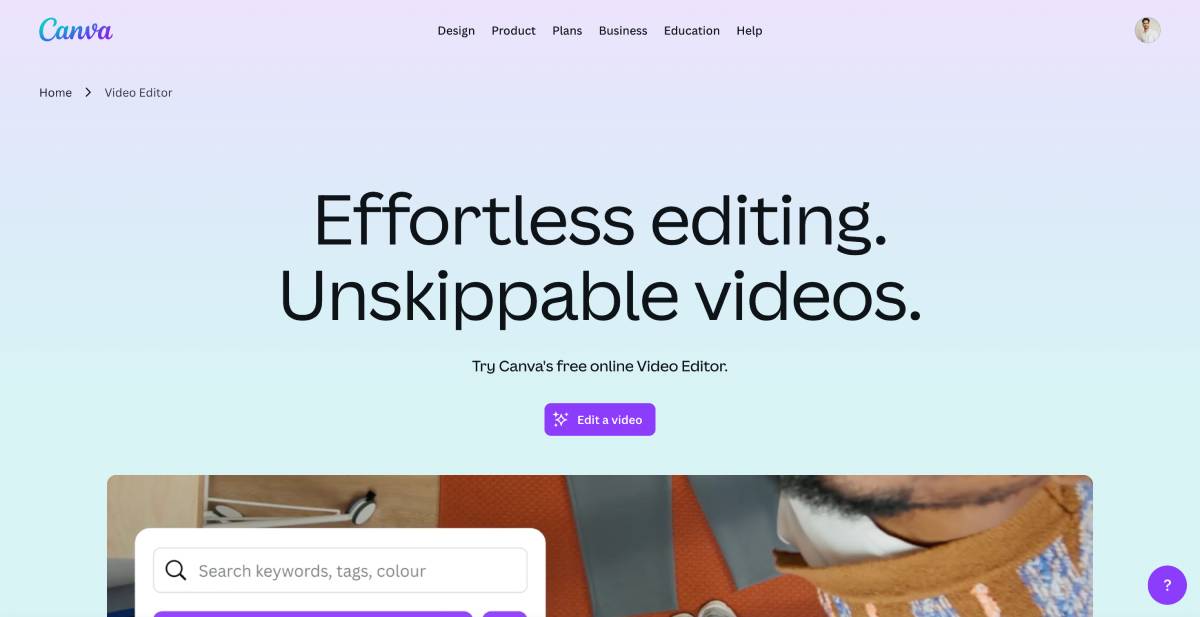
Canva Video provides drag-and-drop video creation with thousands of HR-friendly templates.
Why HR uses it:
Teams build culture reels, onboarding intros, festival greetings, DEI messages, and hiring videos.
Strengths:
- Beautiful templates
- Simple editing
- Works well for internal campaigns
Limitations:
No quizzes, no analytics, no document conversion.
Best for:
Culture videos, not training modules.
9. Riverside: Best for Studio-Quality Leadership Communication
What it does:
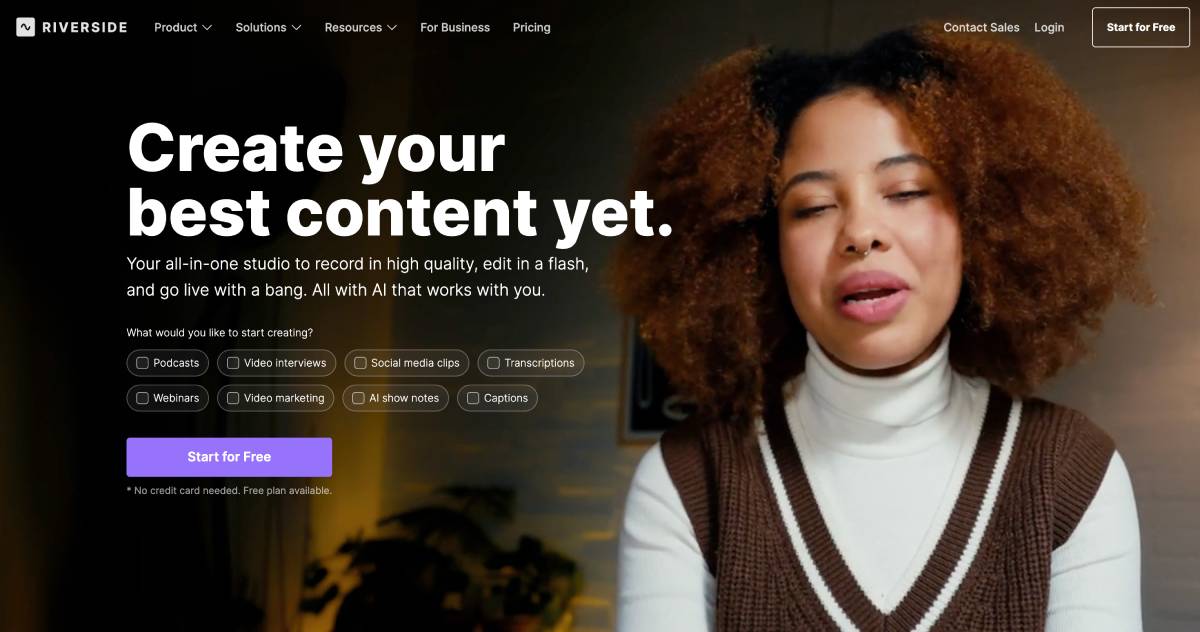
Riverside records 4K leadership videos, fireside chats, and town halls.
Why HR uses it:
Teams use Riverside to create premium onboarding intros from founders or CHROs.
Strengths:
- Studio-grade quality
- Multi-guest recording
- Clean audio and video
Limitations:
No interactivity, no training structure, no analytics.
Best for:
Leadership communication and company storytelling.
10. Synths.Video: Best for Blog-to-Video Conversions
What it does:
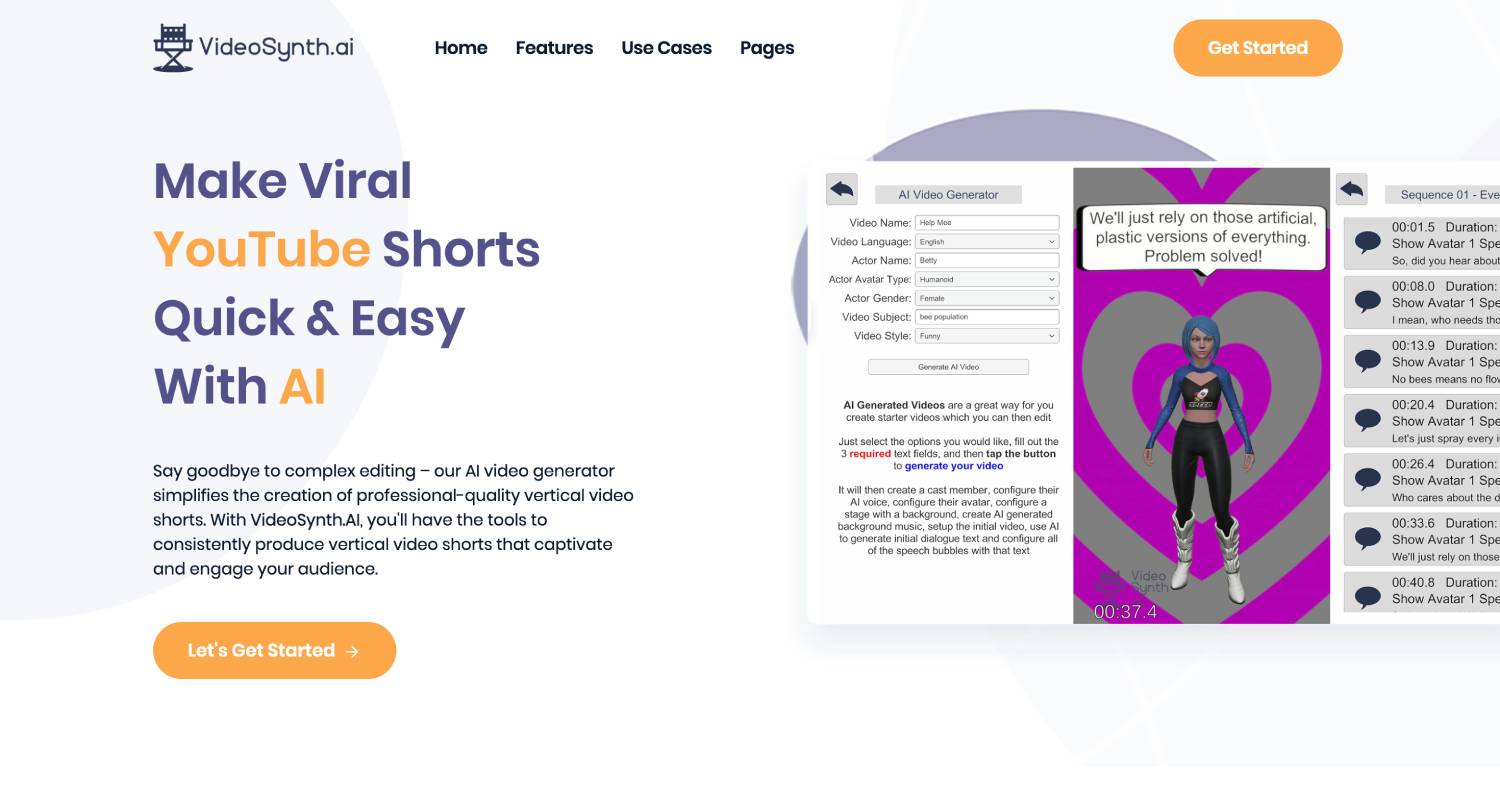
Synths.Video turns written content into automated videos.
Why HR uses it:
Usually for employer branding or content sharing, rarely for internal training.
Strengths:
- Automated production
- Good for marketing
- Simple workflow
Limitations:
No training interactivity, no compliance analytics, no document ingestion.
Best for:
External content, not HR learning.
11. VideoAsk: Best for Interactive HR Feedback & Q&A
What it does:
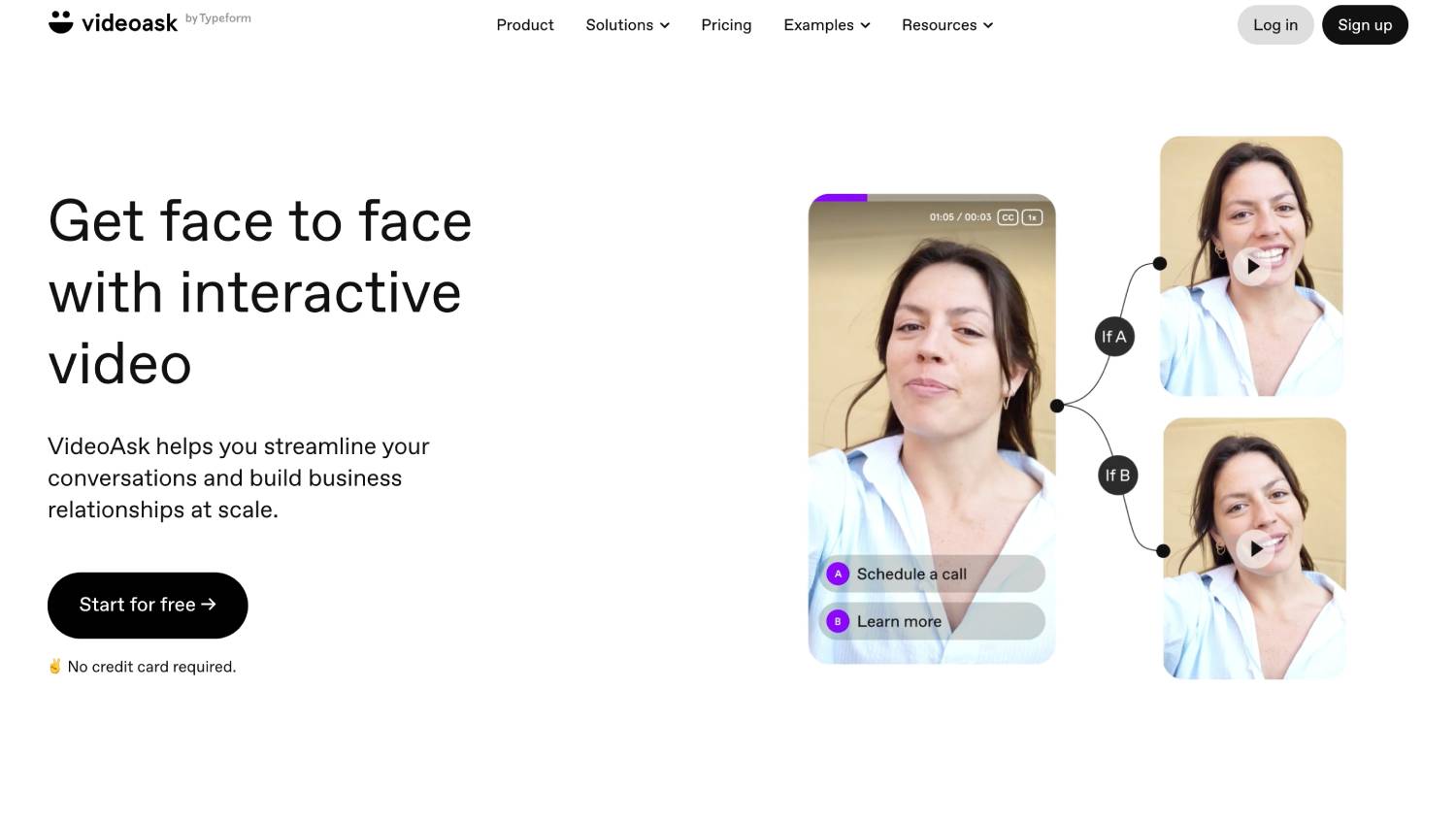
VideoAsk creates interactive, video-based question flows.
Why HR uses it:
It’s helpful for employee surveys, preboarding questions, and candidate Q&A flows.
Strengths:
- Engaging for responses
- Multi-format answers
- Great for listening, not teaching
Limitations:
No training modules, no analytics, no document automation.
Best for:
Feedback and assessments, not employee training.
12. DIY Stack (Loom + Canva + Guidde): Best Low-Cost Starter Option
What it does:
Combines free tools to create simple HR content.
Why HR uses it:
Small teams without budgets use this stack before investing in professional training tools.
Strengths:
- Free or low-cost
- Flexible
- Good for small-scale use
Limitations:
Zero interactivity, zero analytics, zero compliance readiness, and no scalability.
Best for:
Startups under 20 employees experimenting with basic training content.
Summary Table
| Tool | Document-to-Video | Interactivity | AI Chat | Compliance Analytics | Personalization | Best For |
| Docustream | Yes | Yes | Yes | Full | Yes | HR training & compliance |
| HeyGen | No | No | No | Basic | No | Culture videos |
| Colossyan | No | Limited | No | Limited | Limited | Microlearning |
| Guidde | No | No | No | Limited | No | SOPs & tool demos |
| Loom | No | No | No | Basic | No | Human messages |
| Vizard | No | No | No | Basic | No | Repurposing long videos |
| Veed | No | No | No | Basic | No | Branded HR content |
| Canva | No | No | No | No | No | Visual HR campaigns |
| Riverside | No | No | No | No | No | Leadership filming |
| Synths.Video | No | No | No | No | No | Blog-to-video |
| VideoAsk | No | No | No | Response-level | No | Feedback flows |
| DIY Stack | No | No | No | None | No | Small teams testing |
What we think!
Synthesia still works for avatar-led explainer videos, but modern HR teams need far more than that. Onboarding, compliance, and policy rollouts require interactive learning, real-time comprehension checks, and analytics that prove employees understood the material.
If your workflows involve handbooks, PDFs, SOPs, policies, compliance updates, or remote onboarding, then a standard video generator will always fall short. You need a system built around HR documentation, fast updates, and measurable learning outcomes.
That’s why Docustream stands out in this landscape. It replaces static documents with AI-powered training experiences that include quizzes, summaries, checkpoints, and an AI chat assistant inside the video. It updates instantly when policies change and provides the compliance-level analytics HR teams depend on.
Tools like HeyGen, Loom, Colossyan, and Guidde are strong in specific use cases, but none of them convert documents into training modules, personalize learning paths, or deliver HR-specific insights.
If your goal is to modernize training, reduce HR support load, and create training people actually finish, Docustream is the most complete Synthesia alternative available today.
Turn your HR documents into interactive training videos in seconds!


![How Much Does AI Video Software Cost in 2025_ [Comparison Guide]](https://bd785c30.delivery.rocketcdn.me/wp-content/uploads/2025/12/How-Much-Does-AI-Video-Software-Cost-in-2025_-Comparison-Guide-768x493.jpg)